Your Plex library and IPTV, woven into one.
Interlace plays your Plex server and your IPTV channels in a single, quiet interface — with a proper programme guide, a player that handles every file, and nothing in between you and the picture.
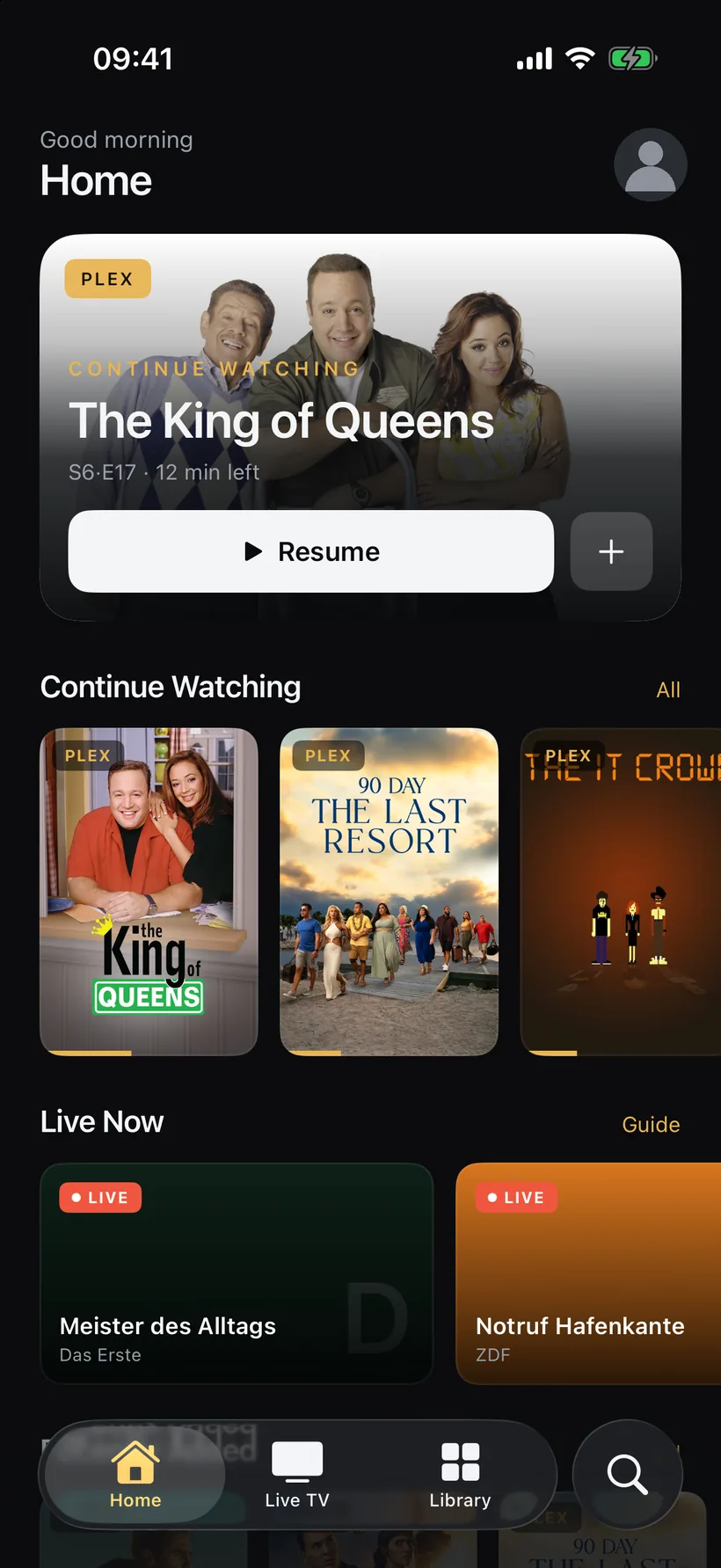
Two sources, one row of pictures.
Interlacing is how television has always built a picture: two fields, drawn in turn, seen as one. Interlace does the same with what you own and what is on air — a Plex library and a live guide in the same rails, the same search, the same player.
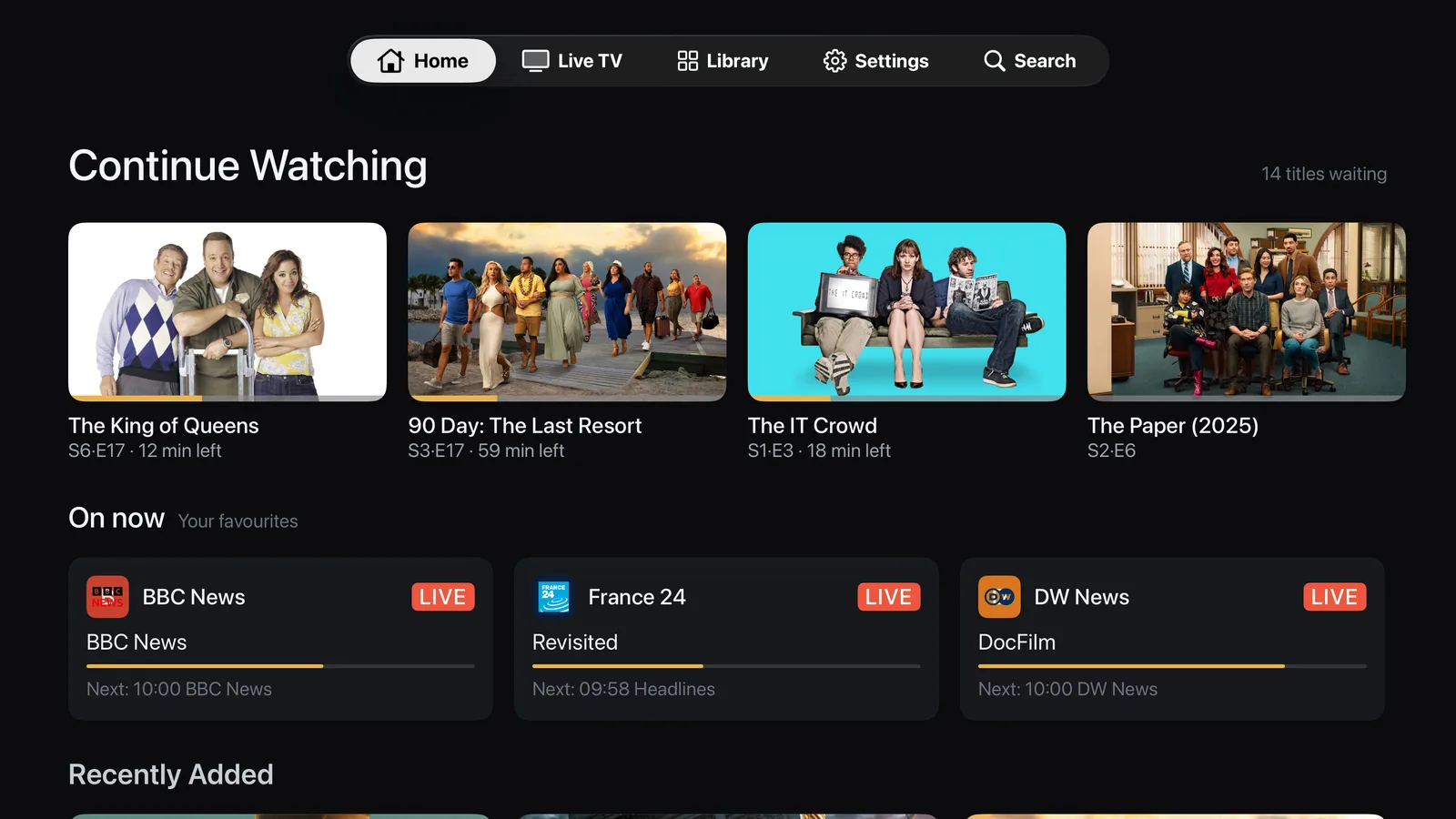
One home for everything
Continue watching from your Plex server sits next to what is on TV right now. Rails, not silos — on the phone, the tablet and the television.
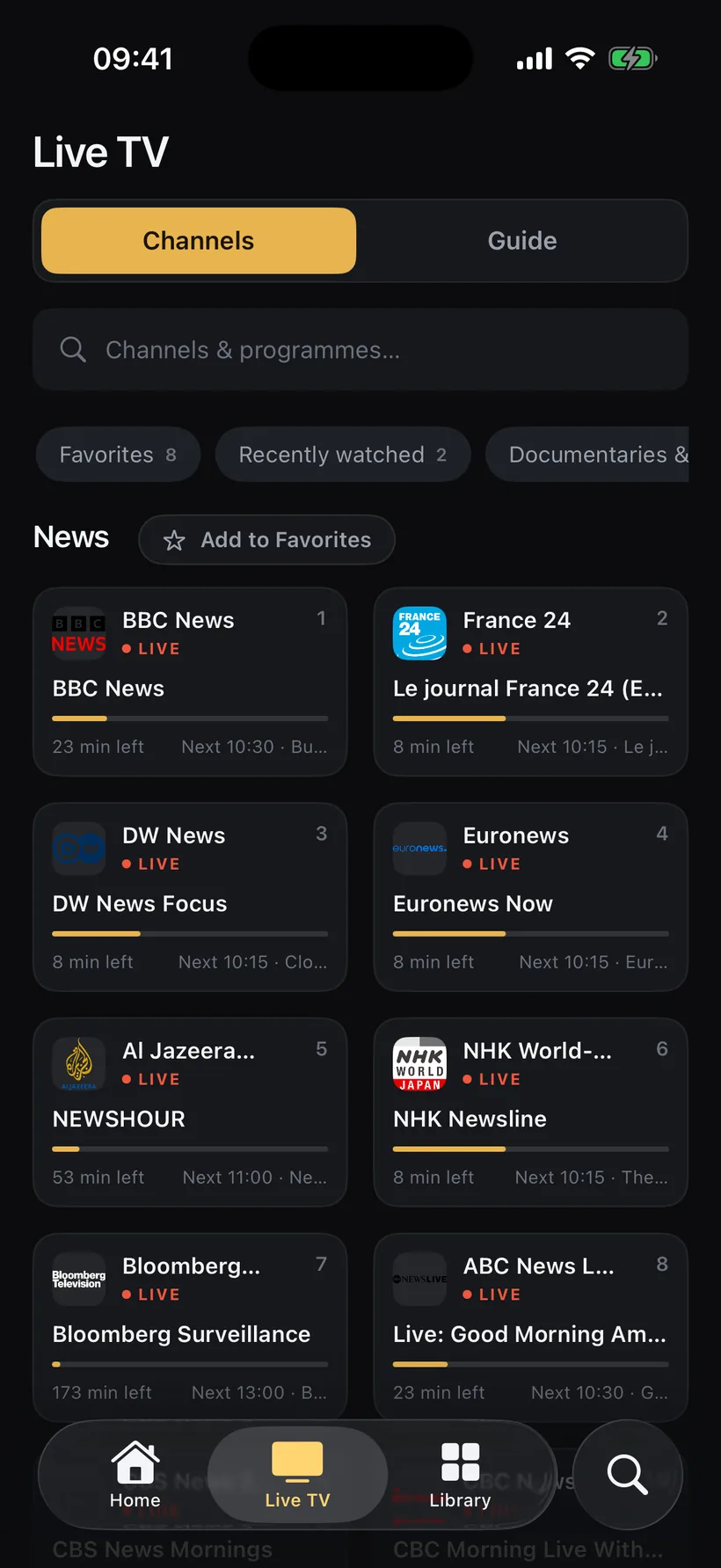
A programme guide that knows your library
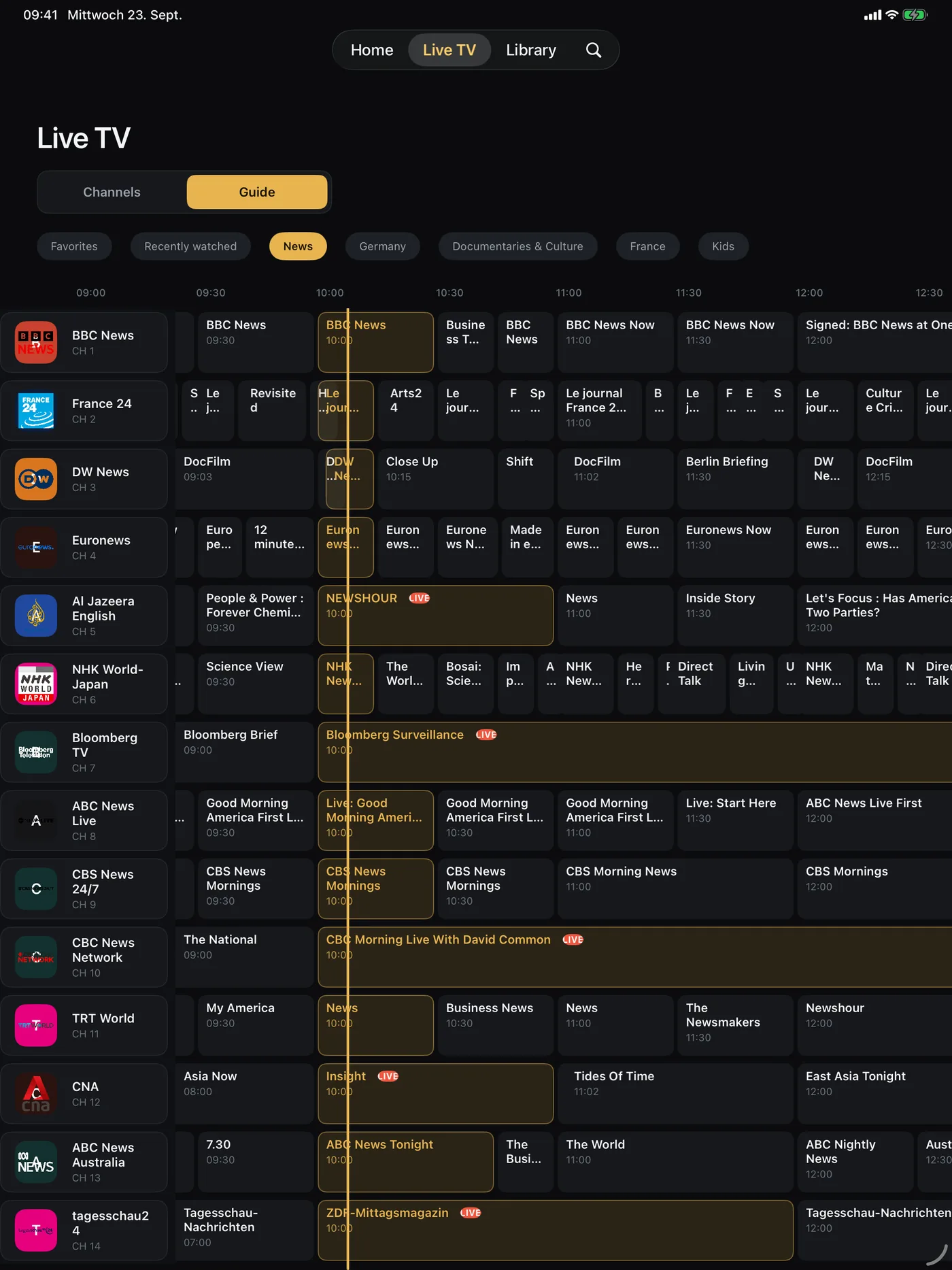
Group your provider's channels, pin favourites, and read the guide the way a TV guide should read: now, next, tonight.
Plays what Plex struggles with
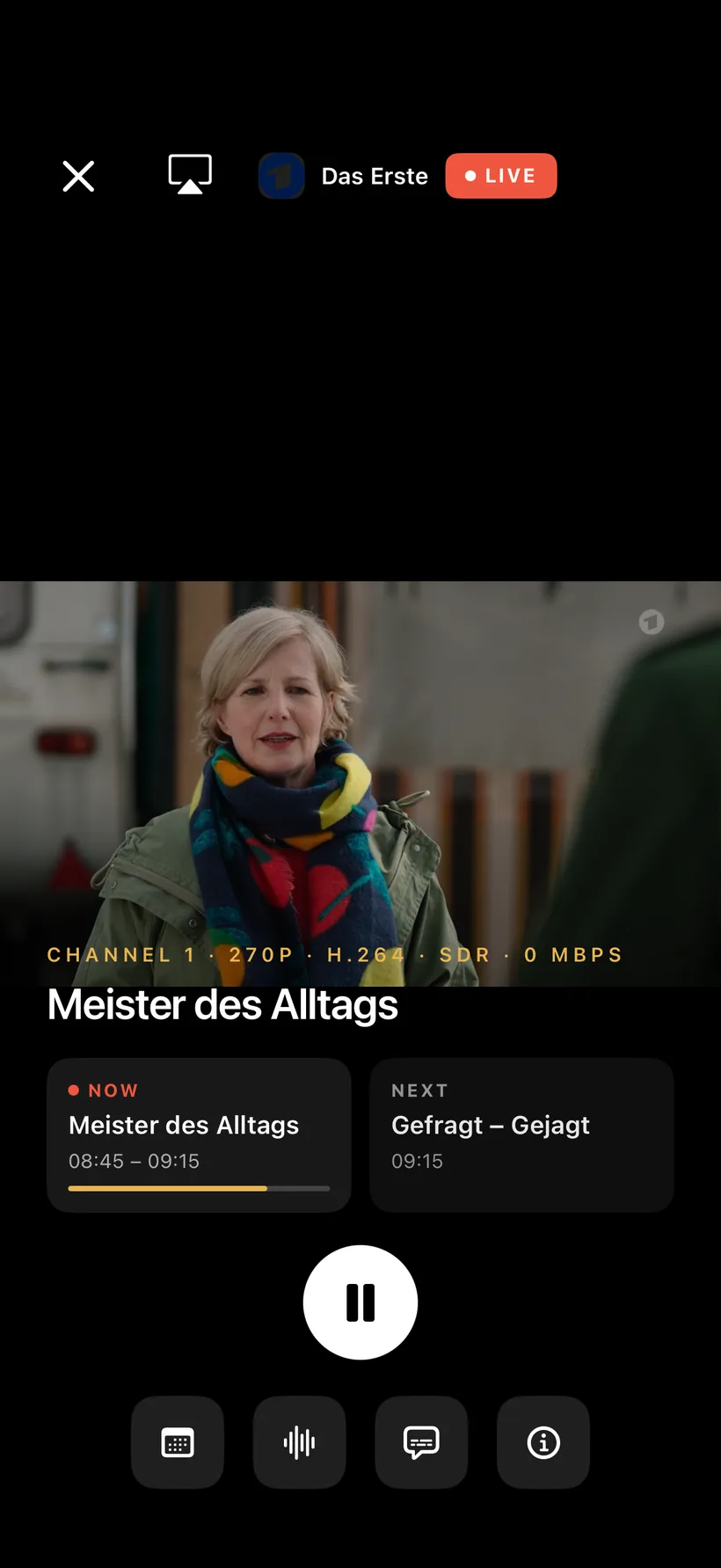
Direct play for MKV, TS, DTS and 7.1 through the built-in FFmpeg engine, with image and text subtitles rendered on the device — no transcoding on your server. Live channels get the same player, with audio and subtitle tracks a tap away.
Made for the living room
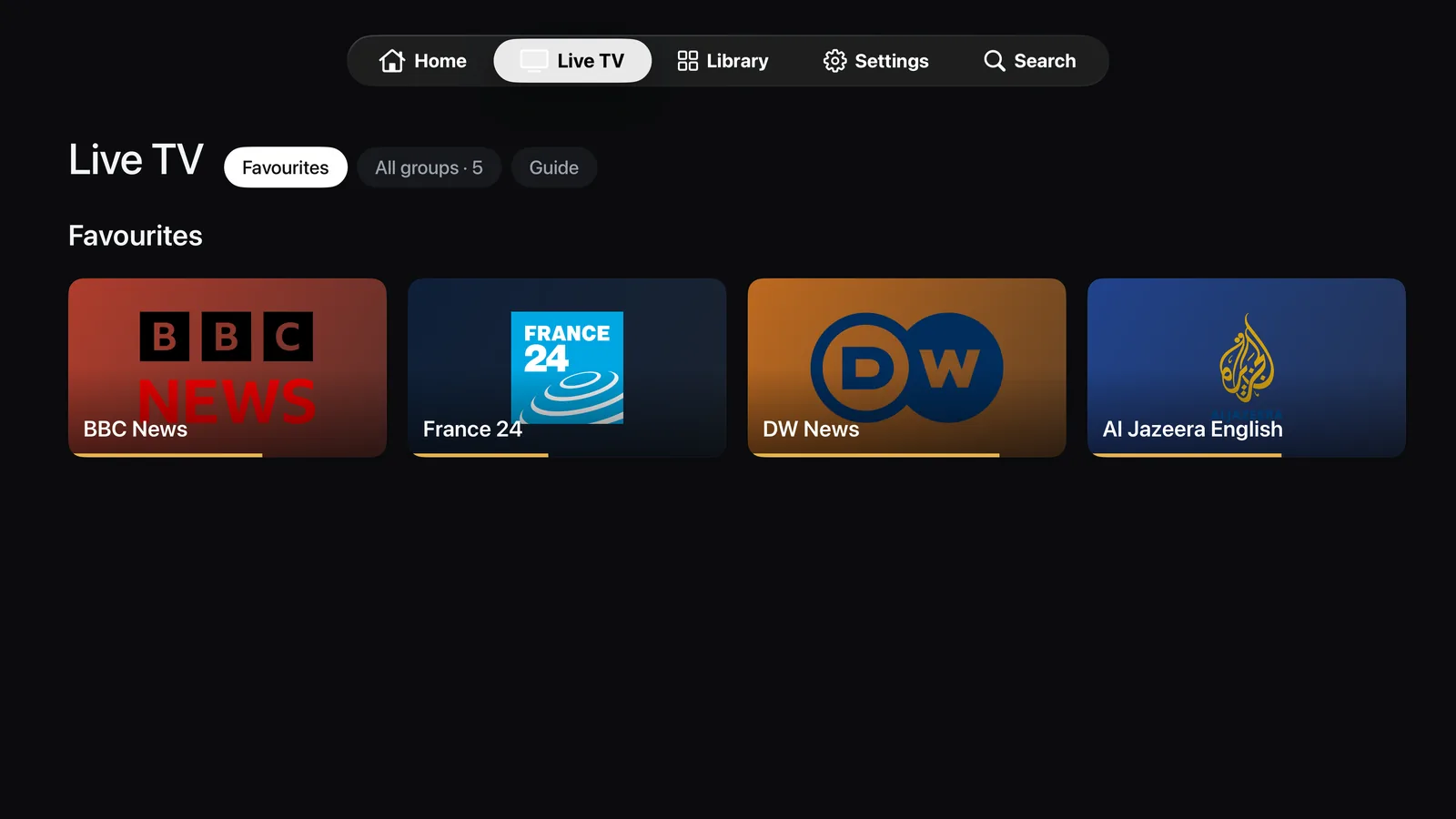
Interlace runs natively on Apple TV: the same library, channels and guide, laid out for the remote and the big screen.
Downloads and casting
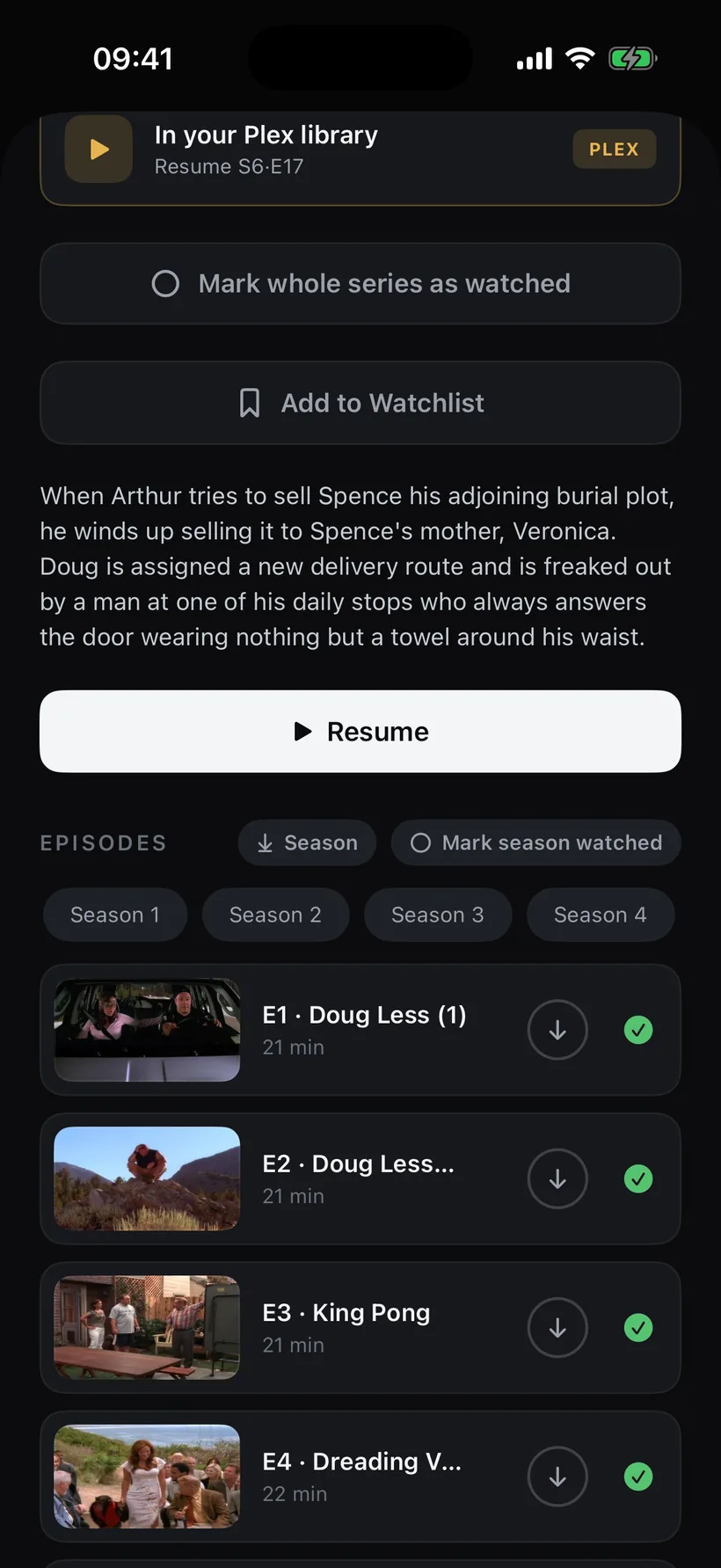
Take episodes offline for the train, and send anything to the Apple TV in the living room.
Free to start. Your server, your rules.
Sign in with your Plex account, add your own IPTV provider if you have one. No accounts with us, no tracking, nothing sold. Remote streaming from a Plex server needs a Plex Pass on that server or a Remote Watch Pass — Plex's rule, not ours.